
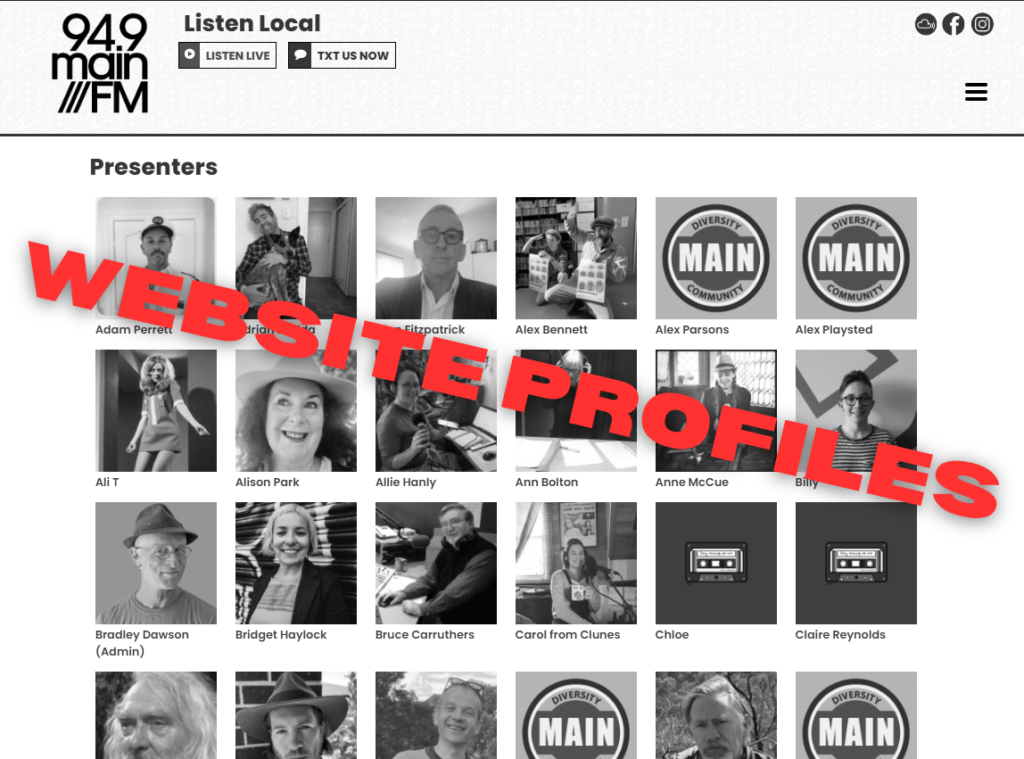
Everyone has a presenter profile on our website. All shows also have a profile.
Here’s a guide to help you understand how it works, and how to update your details when you want to.
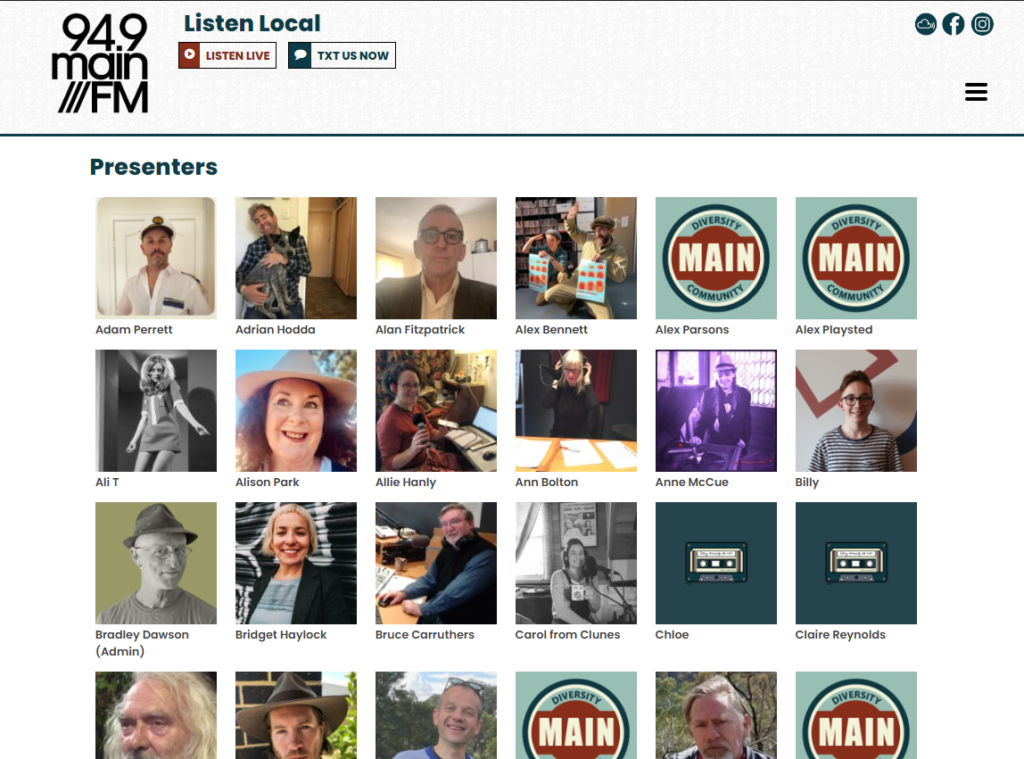
Presenters have profiles on our website.
In this image, you can see some profiles have photos and some don’t.
Members of the public can look you up here when they’re feeling curious about their radio idols!
You can update your profile any time you want.
How do I find this stuff?
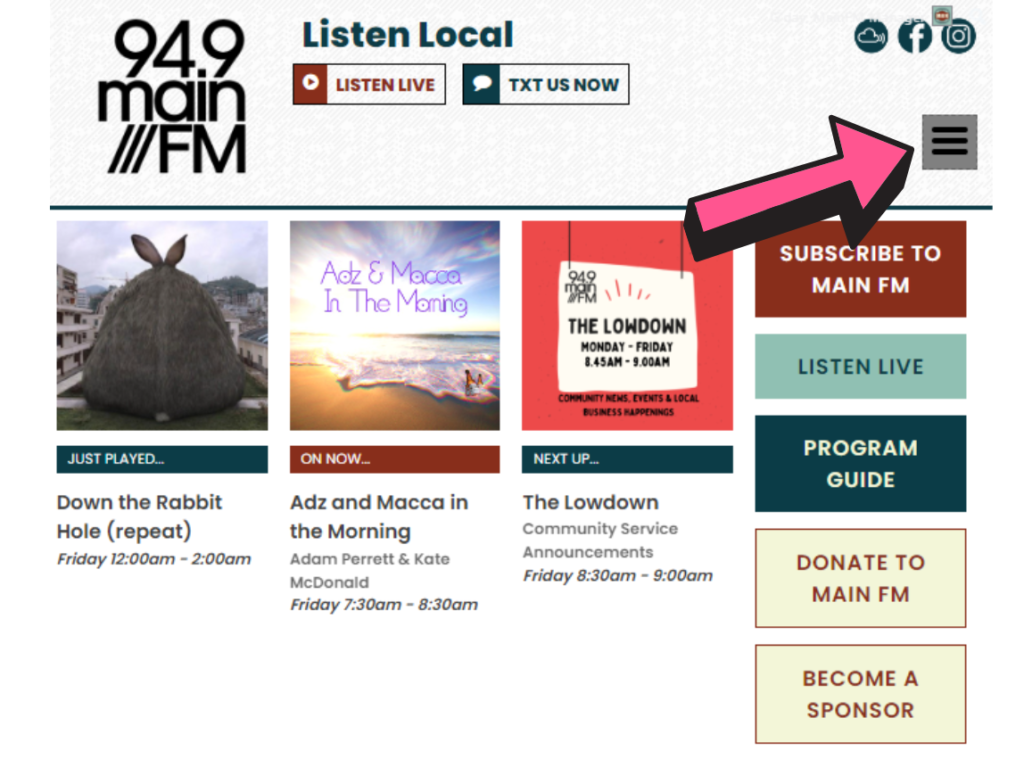
When you visit www.mainfm.net, click on the 3 lines for our menu.
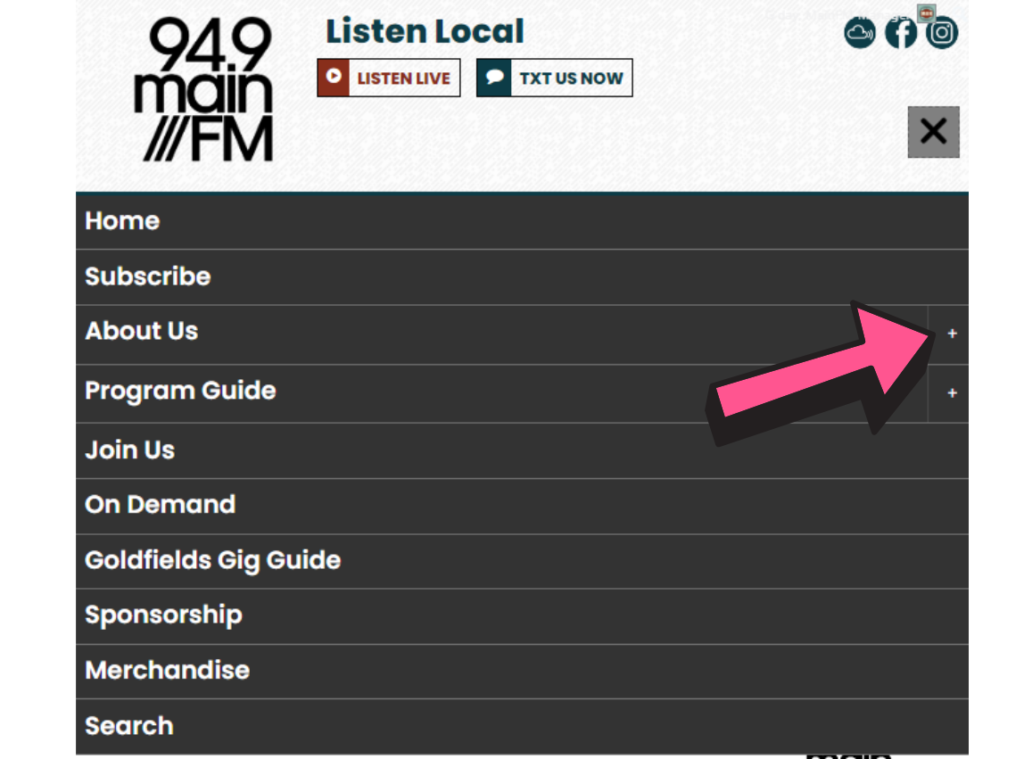
Click on the ‘+’ to the right of the About Us option.
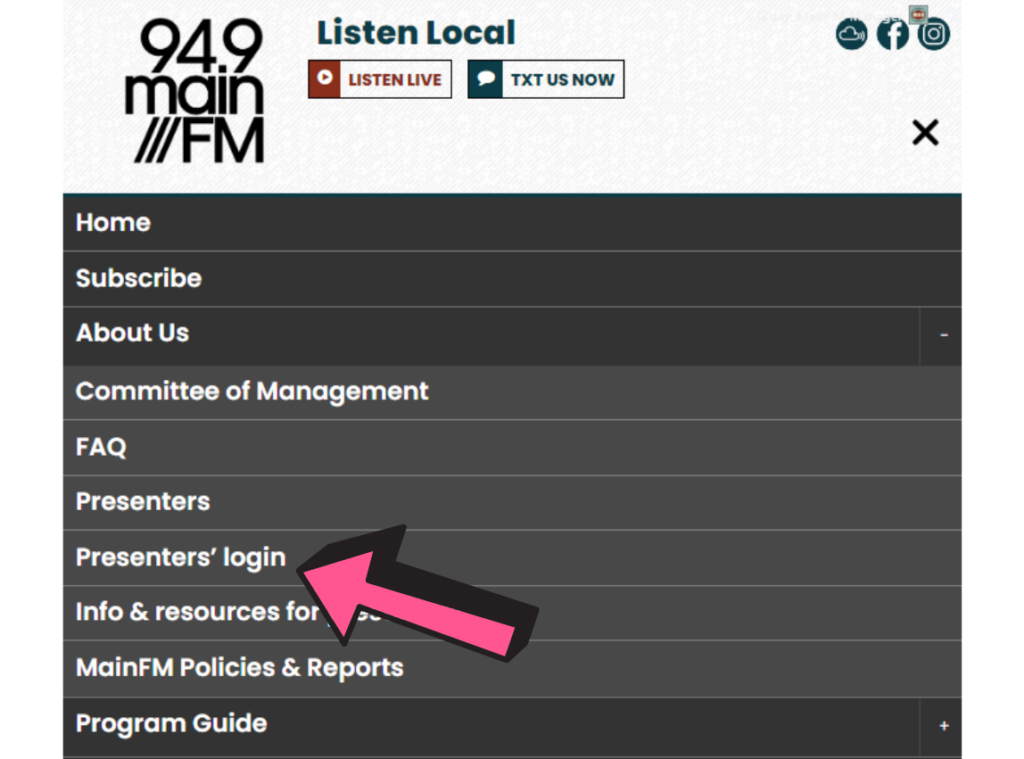
Select the Presenters’ Login option
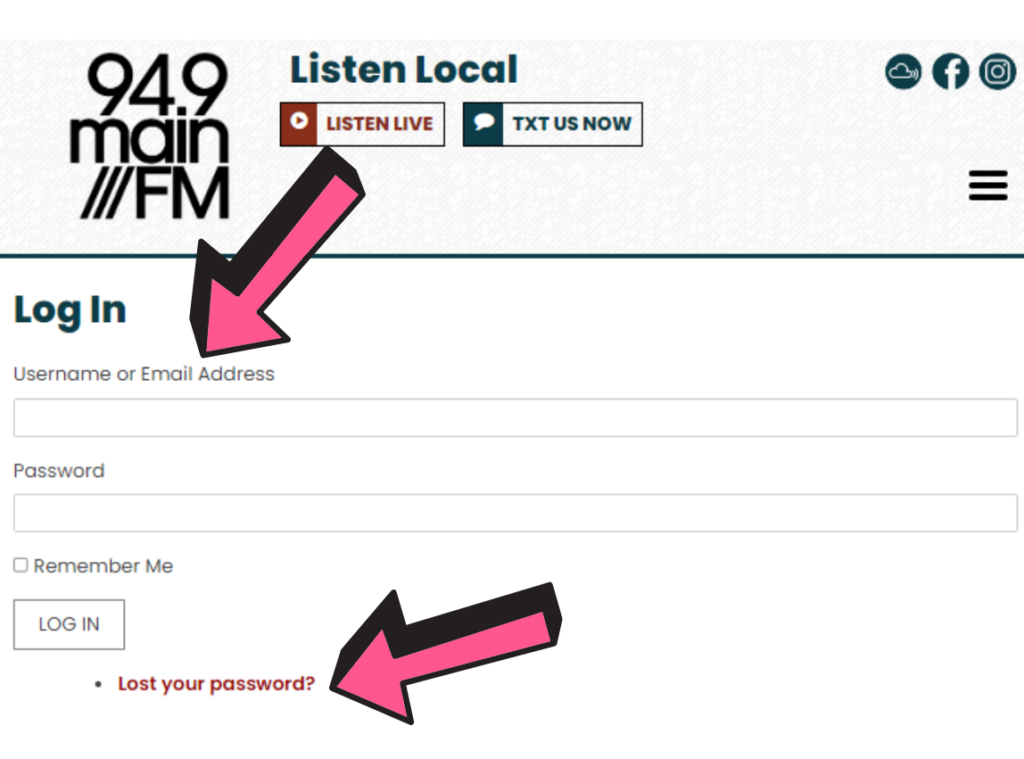
Here you can enter your details to log in and update your profiles.
If you can’t remember your details, try using the ‘Lost Your Password?’ function.
If you can’t figure this out, contact Alex via email so he can send you what you need to do it. That’s no problem.
volunteers@mainfm.net
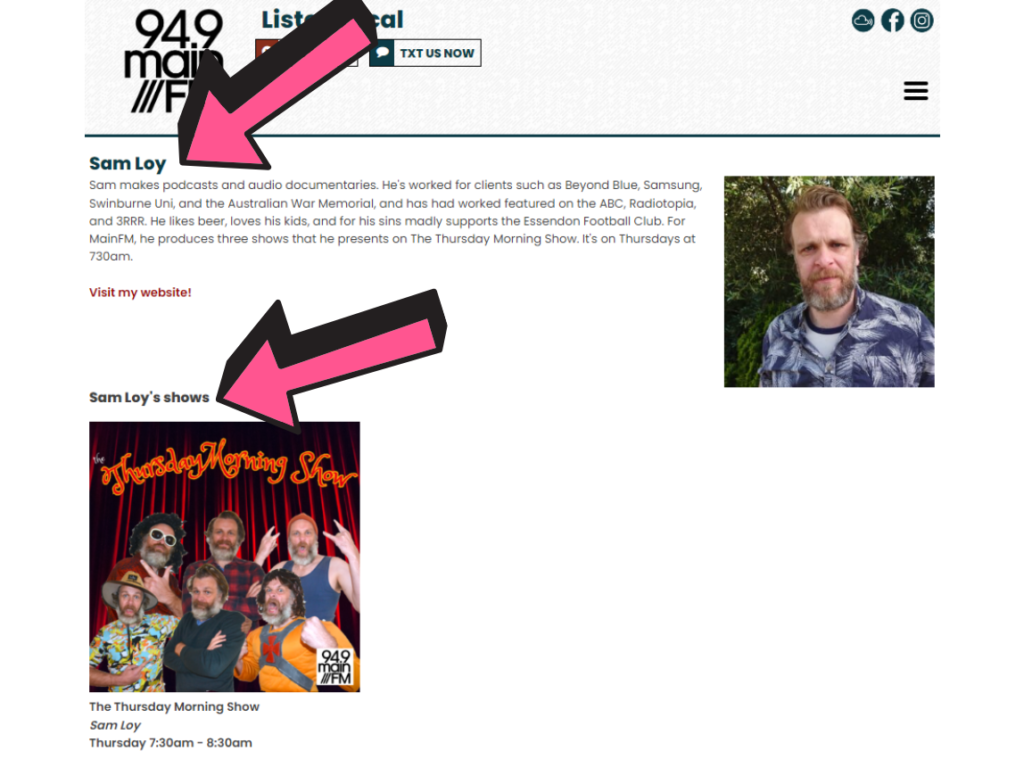
Here’s a Presenter Profile. It shares a bit of info about the person, in this case Sam.
You can see below there’s also a link to Sam’s show.
This helps people navigate between people and their shows.
*Note: You need to make your images square. If you’re unsure about how to make a square image, get in touch with Alex Playsted or Rich Moffat. They can help with this.
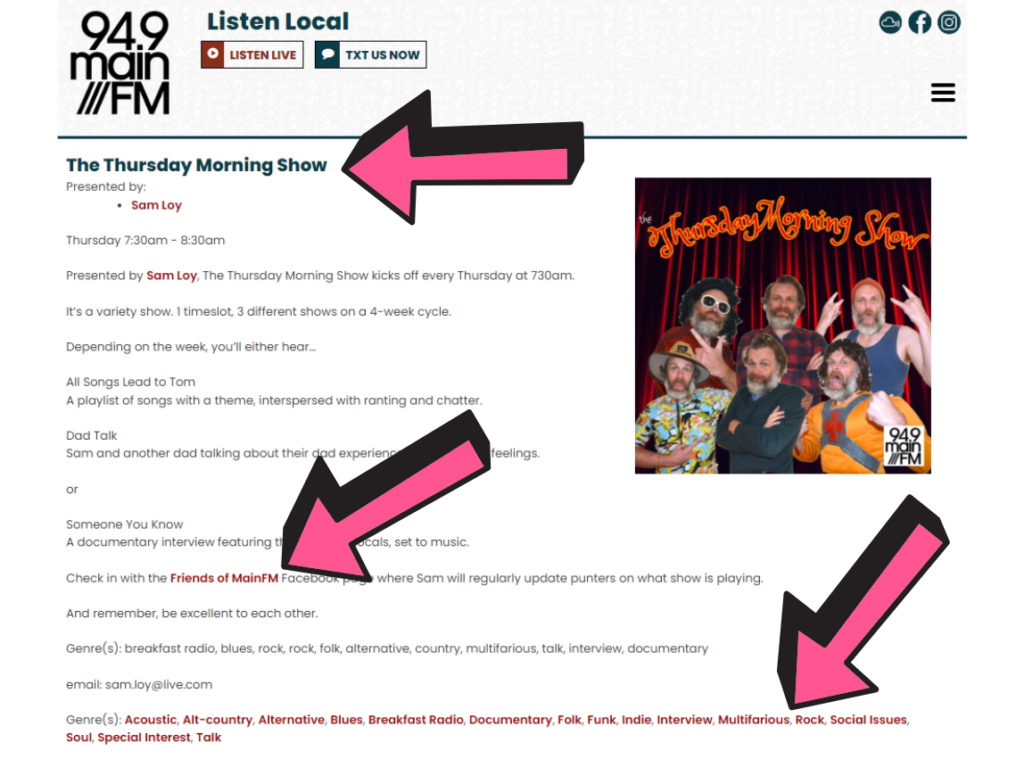
This is a Show Profile.
You can see the link back to Sam’s Presenter Profile beneath the main heading.
Sam has wisely included a link out to another site where he’s active. You can do this for any of your social media or othert relevant links.
He’s also filled out genre tags that help communicate what people can expect to hear on his show.
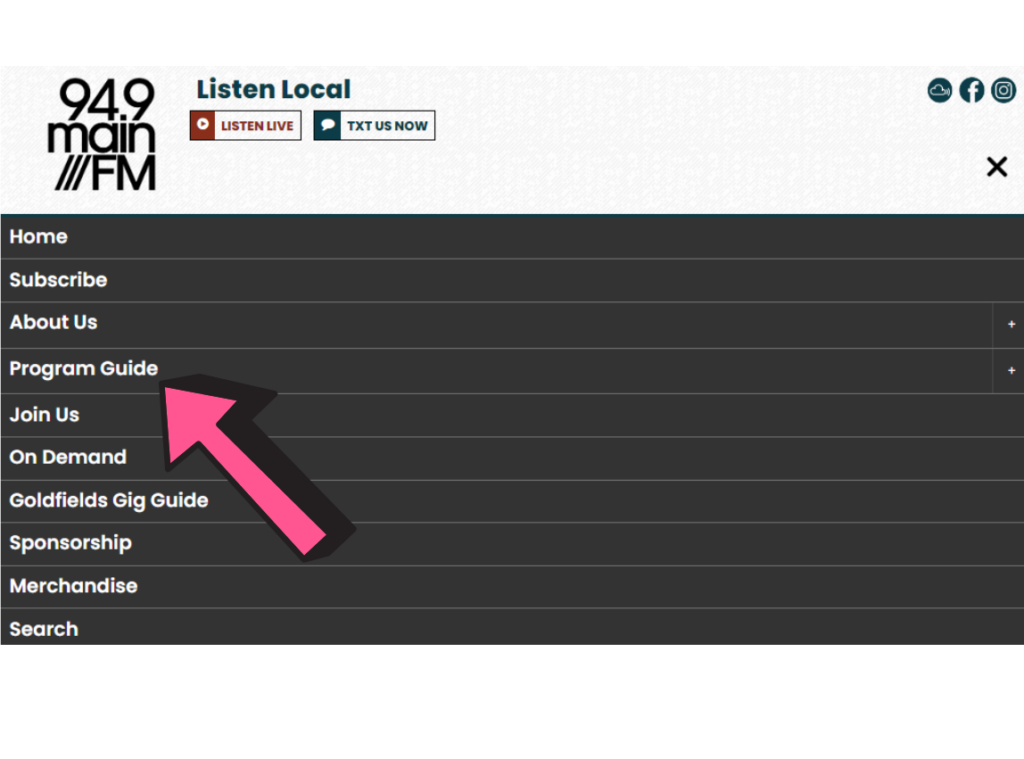
Listeners can also find your show via the Program Guide.
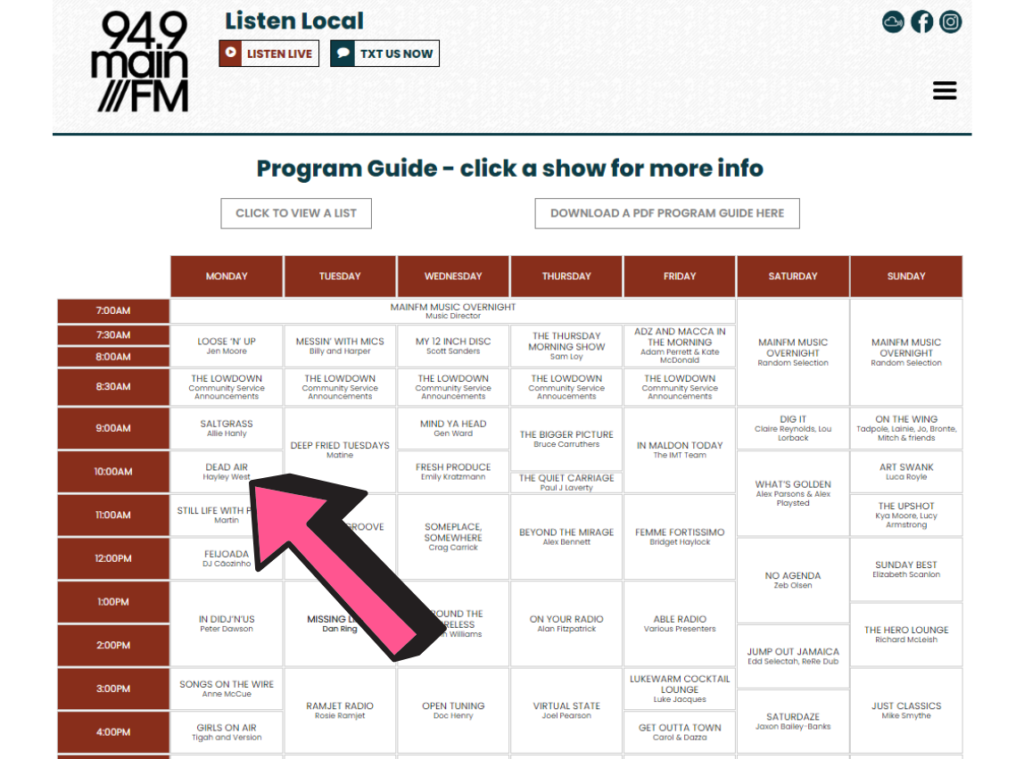
Every show on the guide is linked to its profile.
Simply click on the show, in this case Hayley West’s ‘Dead Air’, to view the Show Profile.
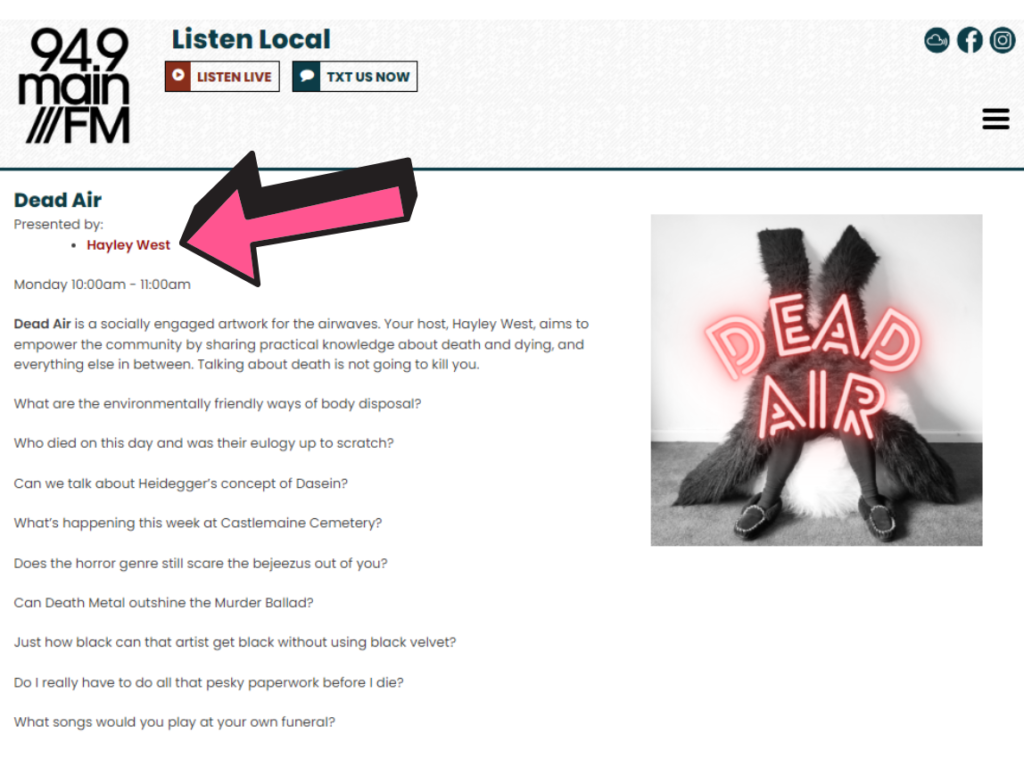
…and we end up at the Dead Air Show Profile where, once again, the presenter profile is linked at the top.
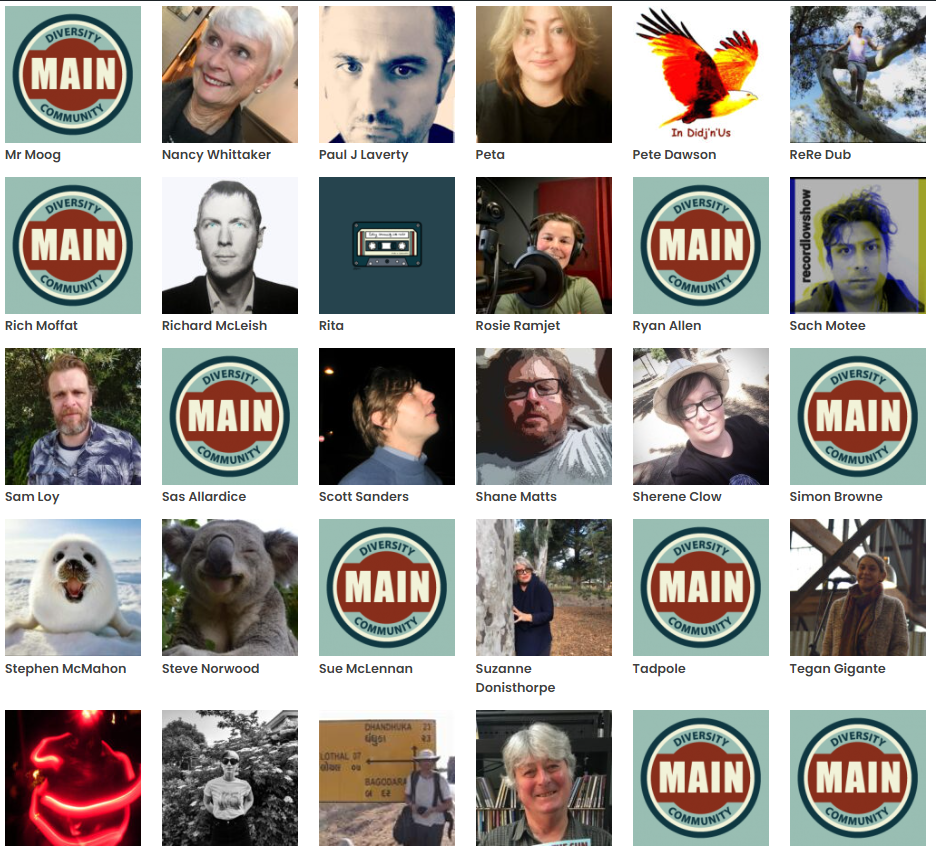
We have a lot of loving listeners, and there’s a high chance people will head to the website at some stage to learn more about what they’re hearing.
The phots above look great, right? Putting faces to voices is particularly powerful. It’s another facet of the wonderful feeling of community radio and its people feeling so familiar and relatable. The extra ‘knowing’ it creates is meaningful to listeners, If it’s not your face, though, any image that relates to you or your show adds great substance as well. We don’t get many chances to share visual elements of our community in radio. These profiles are a good opportunity to do that.
Have you thought about your show and presenter profiles? Maybe it’s time to update them, especially ahead of Radiothon (July 15-22).
Hi I tried this, but I think there might be a step missing maybe.
There’s no ‘+’ option appearing for me to the right of the ‘About Us’ link.