
We have recently noticed a changing setting in Zara that may be confusing some people.
Have you sometimes noticed that ‘double-clicking’ sometimes A) selects the track you want to play next, or B) plays the track immediately?
Many of us have learned to use Zara with choice (A).
If this is catching you off guard, here’s how you can return the setting to normal.
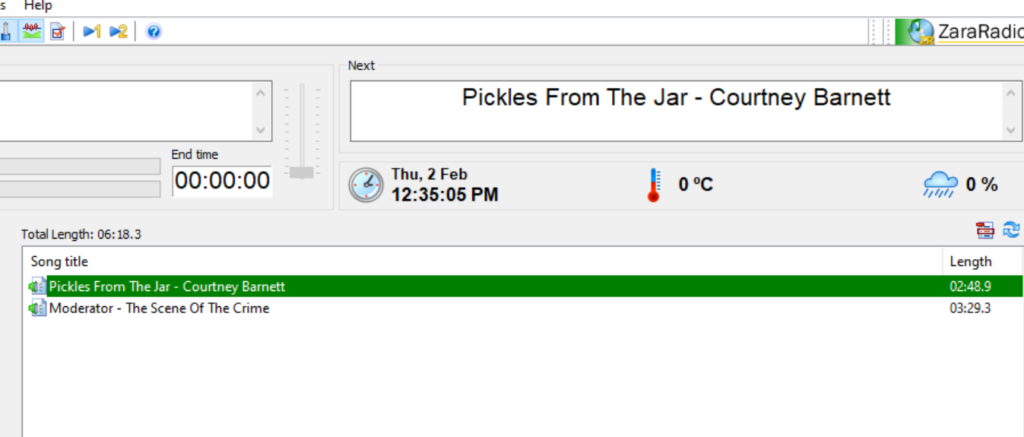
The GREEN bar shows what is selected to play next. The ‘Next’ window above confirms this.
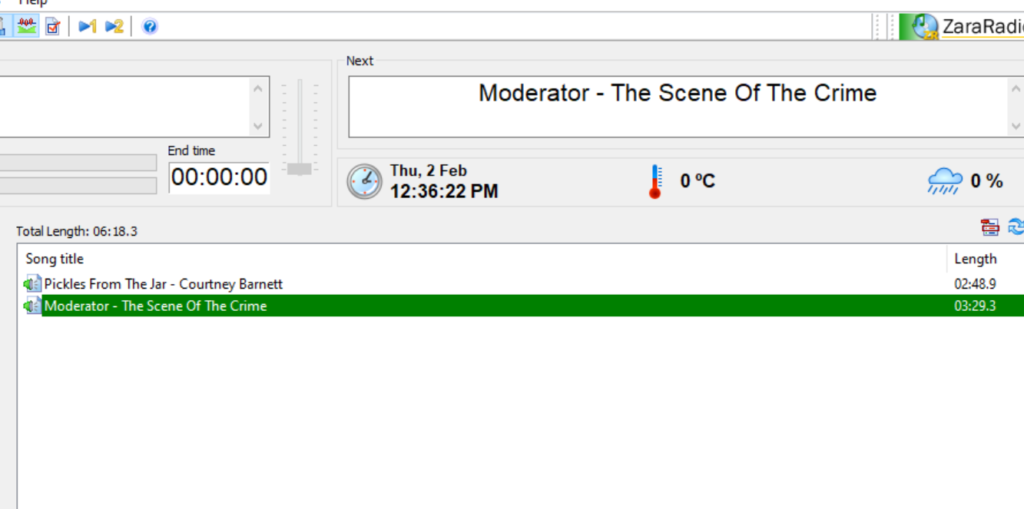
But stay calm, it’s easy to fix.
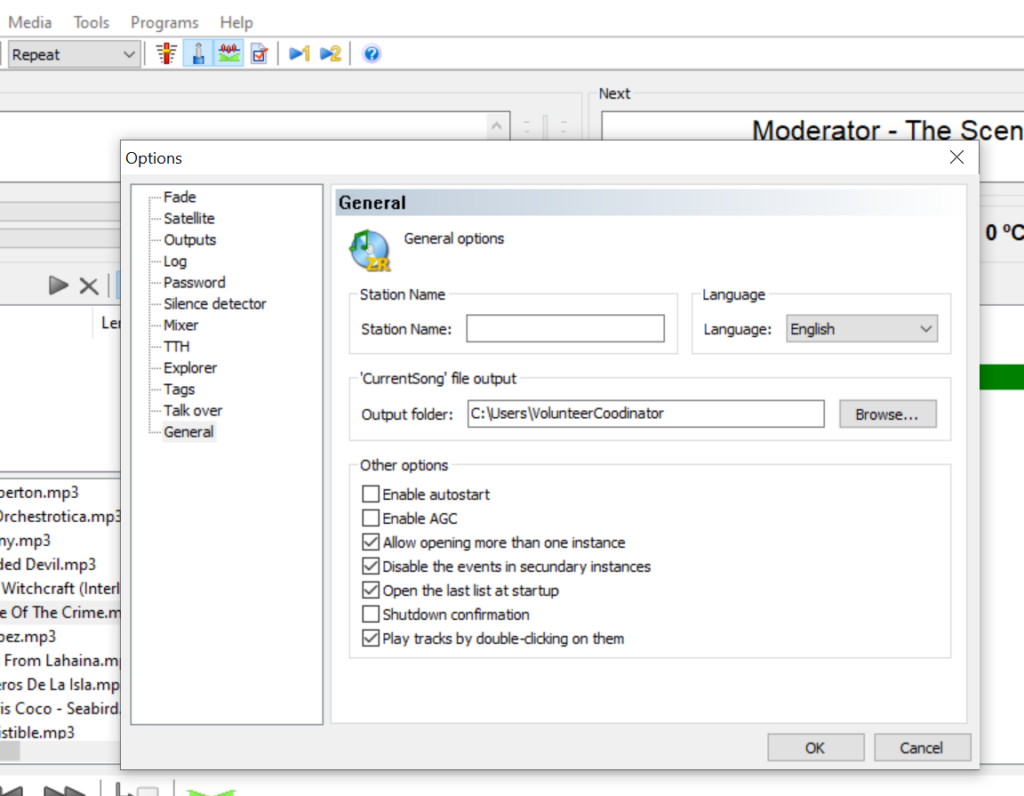
(sometimes you may need to press OK on a window between to get here, which is normal)
See the bottom option, ‘Play tracks by double-clicking on them’?
Make sure it’s unticked, and then press OK.
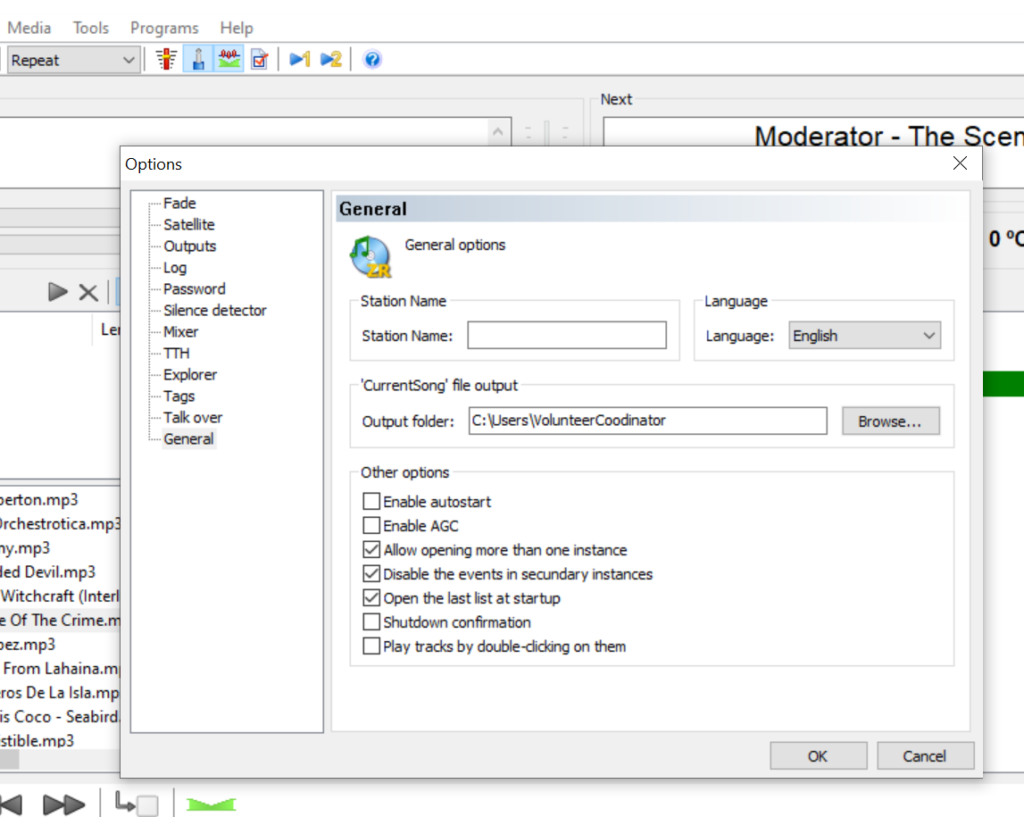
Now it should be fine!
Very helpful. Thank you.
Glad it’s useful Josh 👍🏼