
- Booking spaces and resources
- Mixcloud – Upload recordings to the internet
- EdApp – Online learning platform
- WhatsApp – Presenter community messaging group
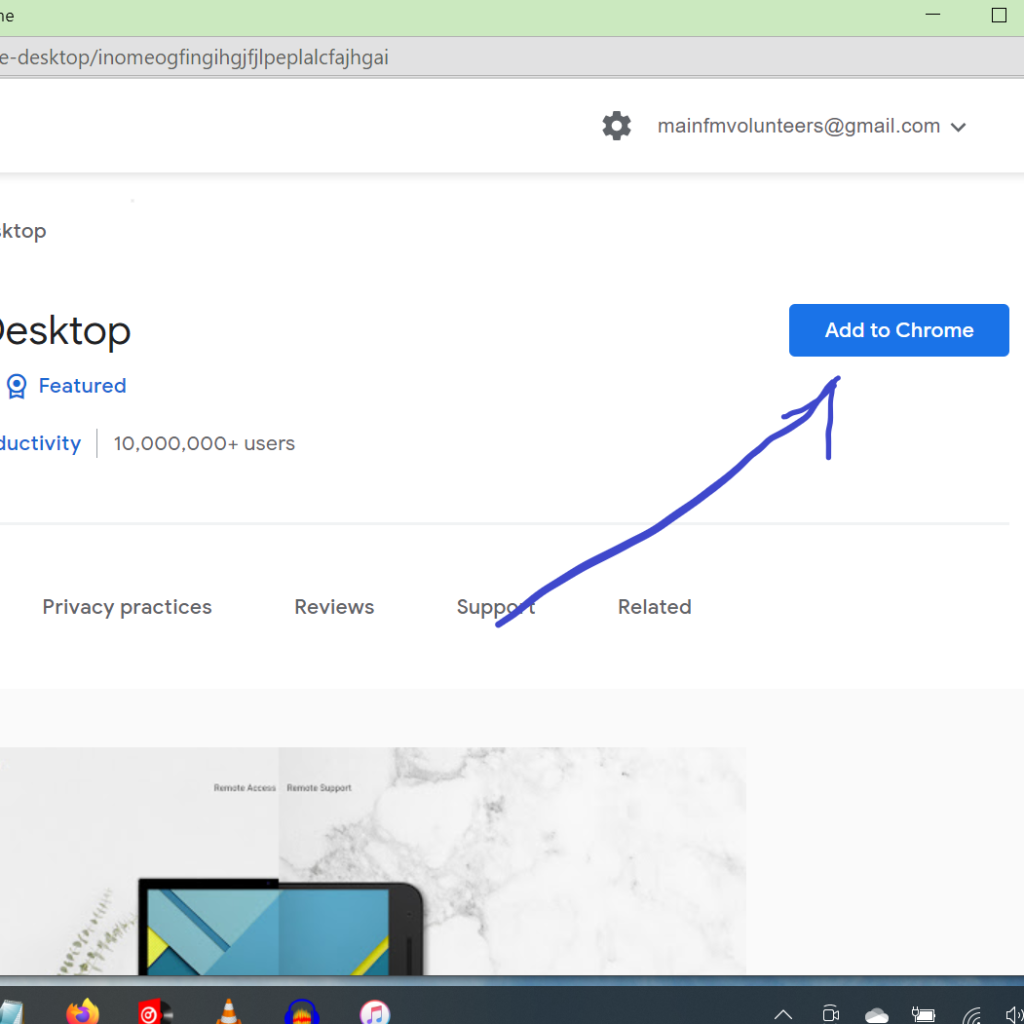
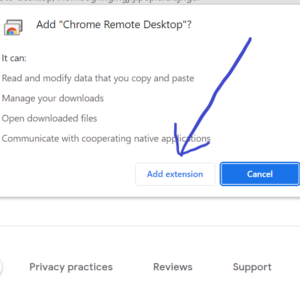
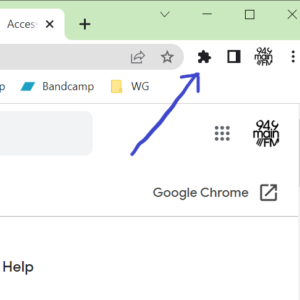
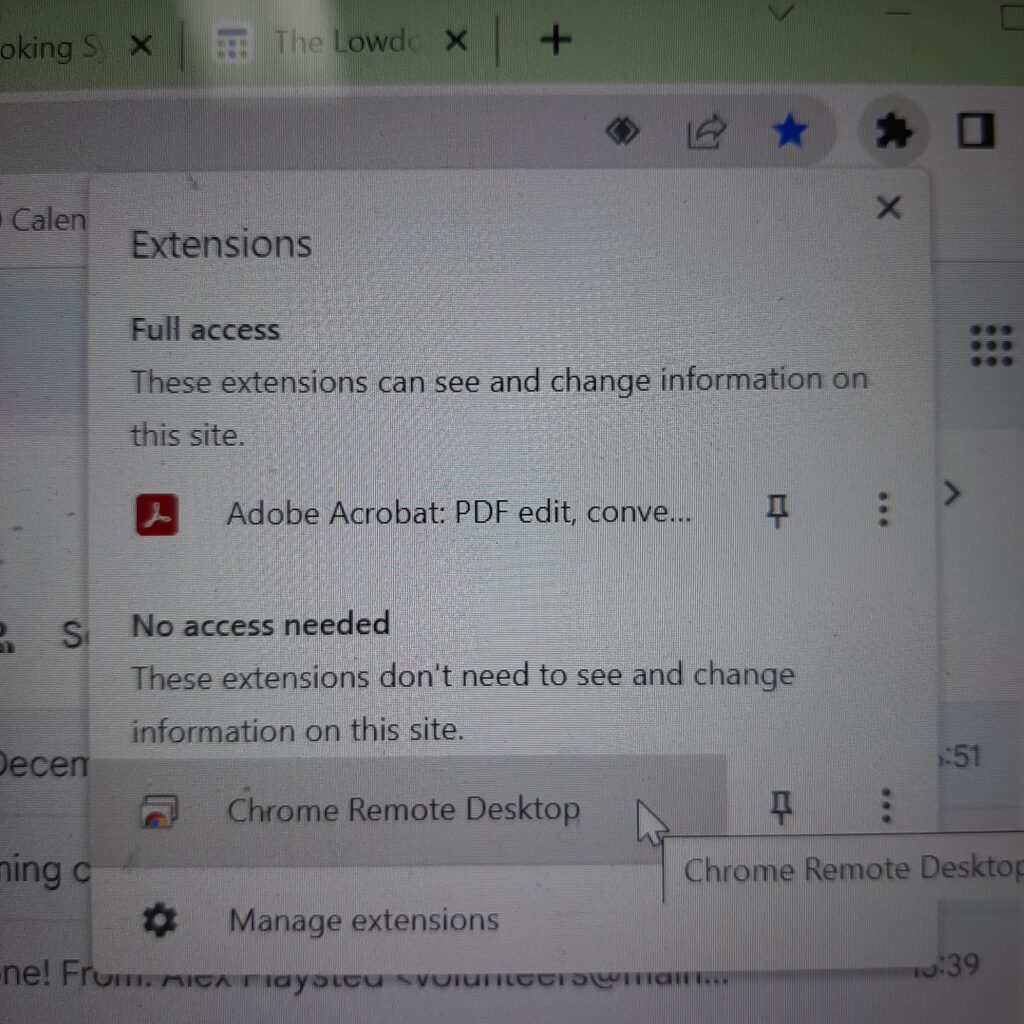
- Chrome Remote Desktop – Access the MainFM network from home
- Wifi Network & Password
- Station Technician Contacts
- Facebook ‘MainFM Presenters’ group
Book Spaces and Resources
To book Studio 3 (Production Studio) please click on this link

Mixcloud

Presenters can log into the MainFM Mixcloud page to post their shows.
This can happen one of two ways.
Username/email: info@mainfm.net
Password: Mainfm9409
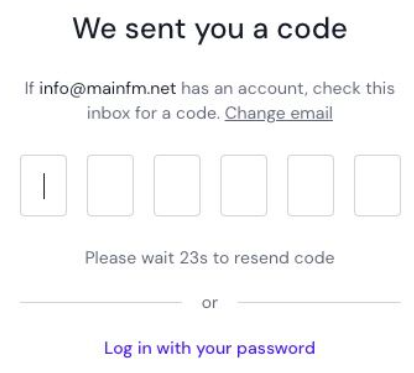
When you enter the email address, it will ask you for a code. However – ignore this and select the option below “Log in with you password” (see below)
EdApp Online Learning

Find our online training modules by following this link.
WhatsApp Group

Join our MainFM WhatsApp group messaging platform where we share show fill-in opportunities and trade other info that is current and helpful for presenters.
Follow this link to join.
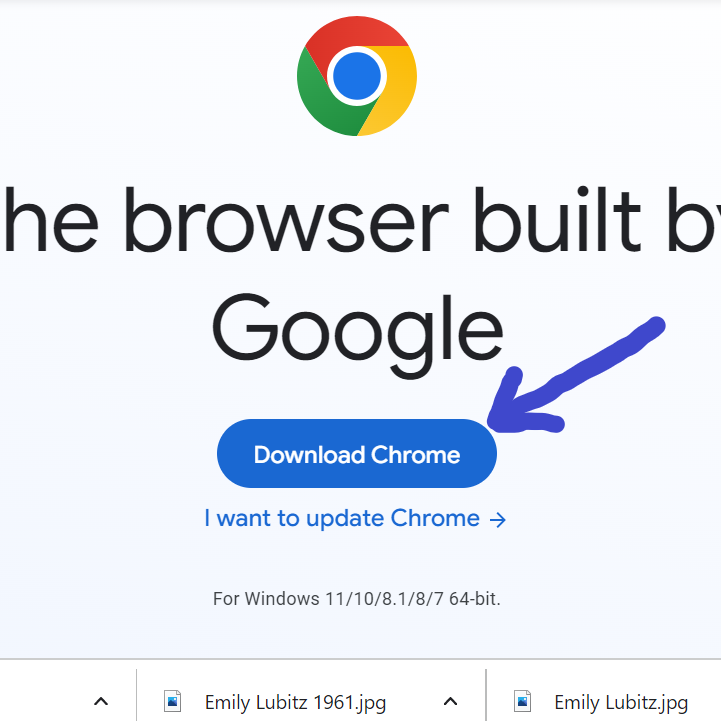
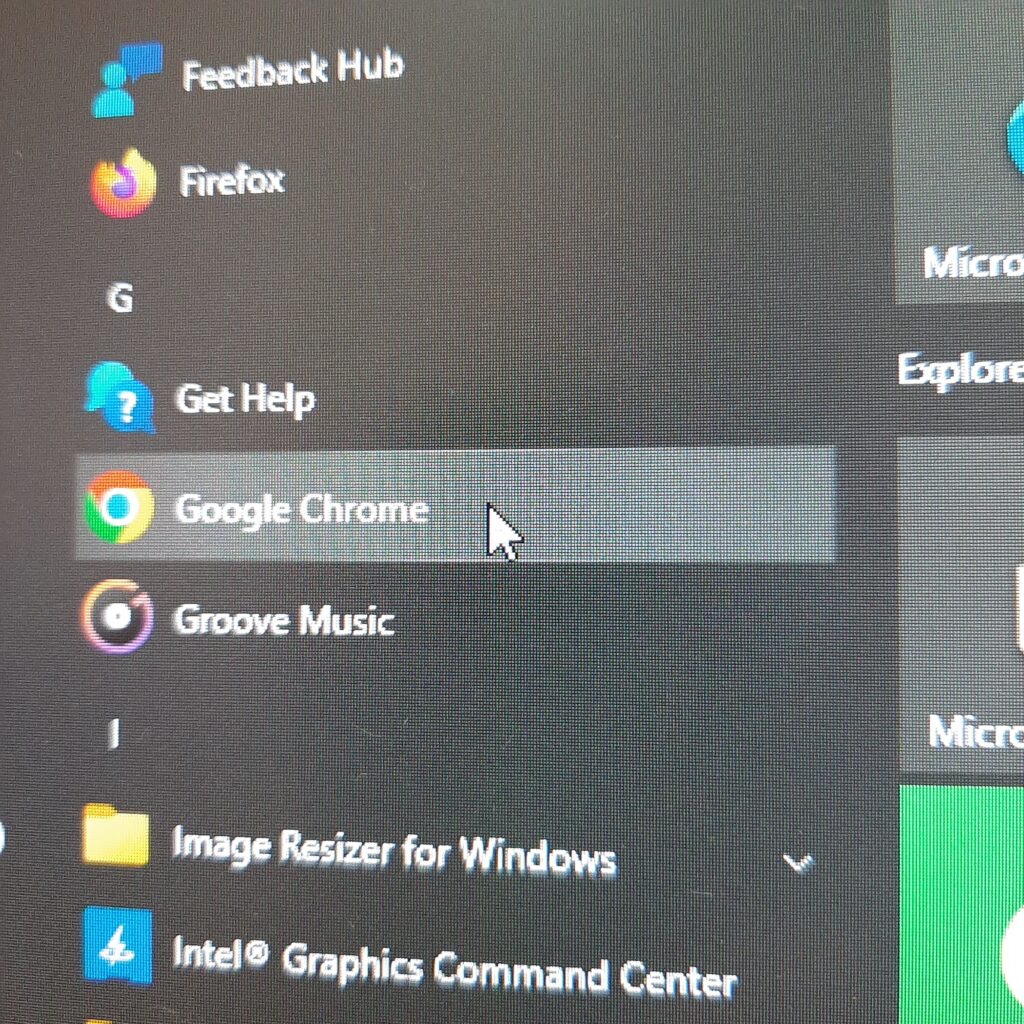
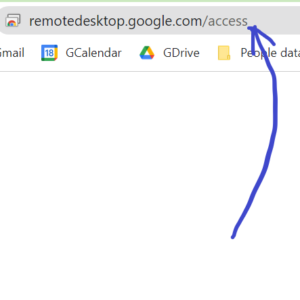
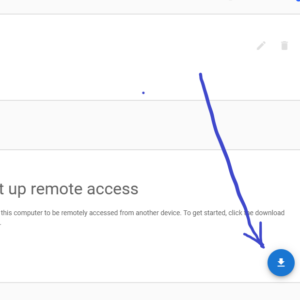
Chrome Remote Desktop Access

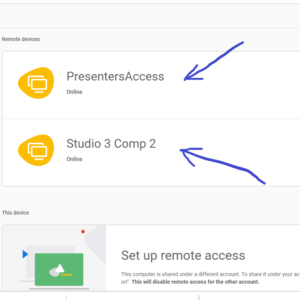
You can set this up on your own computer to access the station computer network from home.
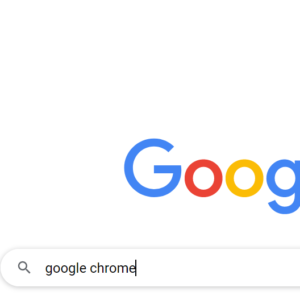
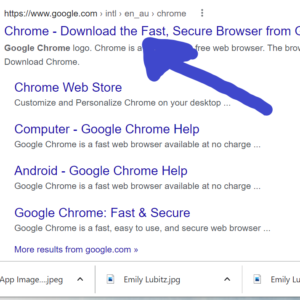
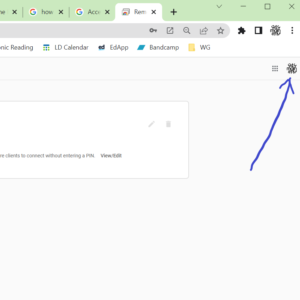
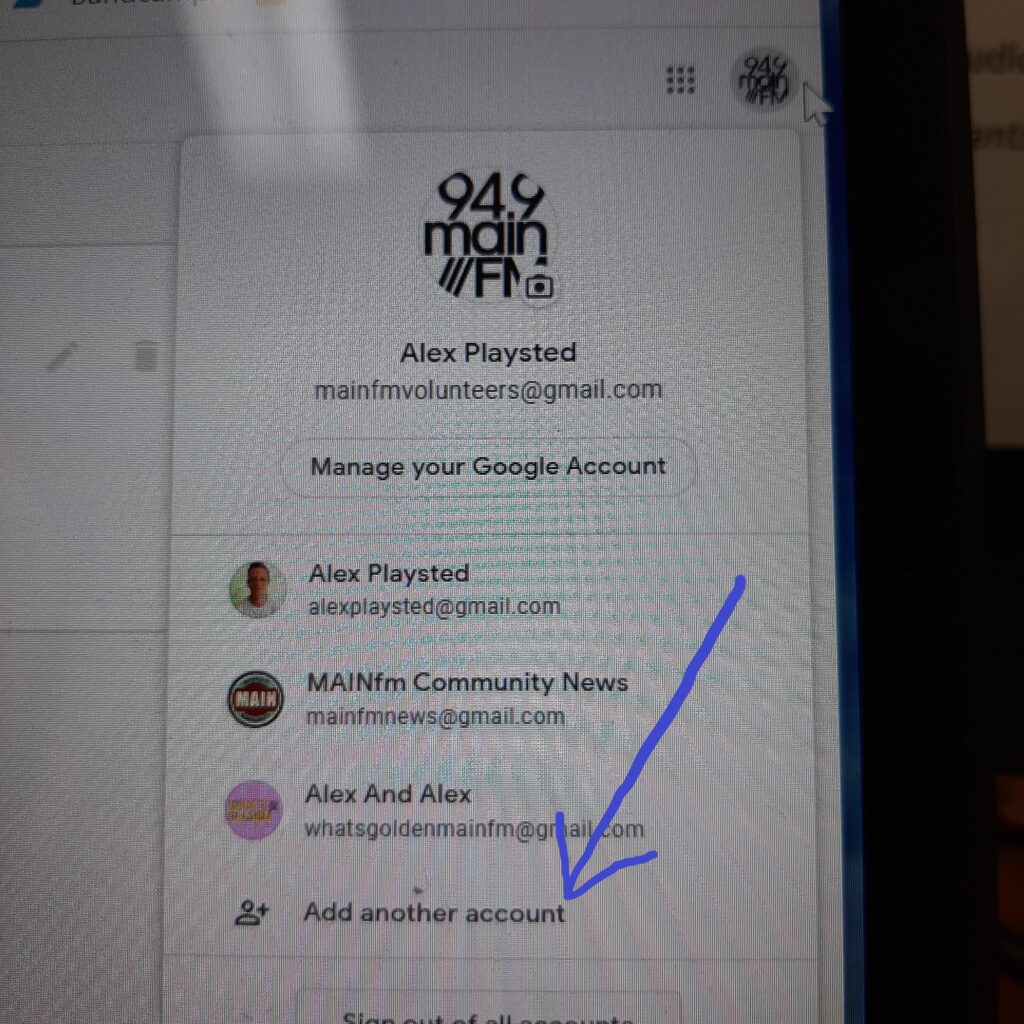
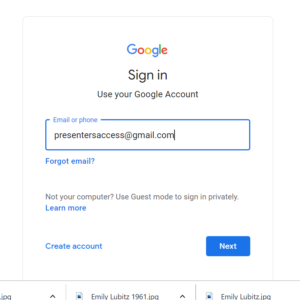
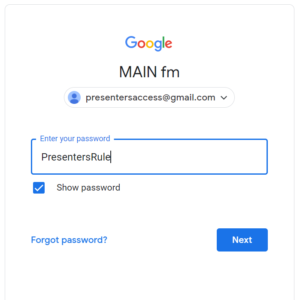
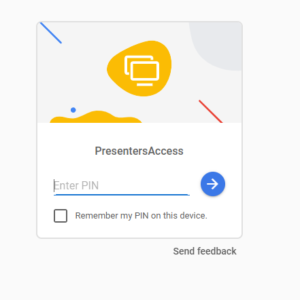
Here is a pictorial guide to how to set this up yourself. Follow the picture in order to see the steps you need to take. Basic instructions are written at the base of each image in orange with white background.
If you are prompted for a security code or pin, you’ll need to get in touch with our Tech Manager, Steve. Give him a call on 0411 357 601
Station Internet Wifi
When at the station, you can connect to the MainFM Wifi network.

Network: netcomm9862
Password: Qedokoqohe
Station Technician Contacts – Steve Charman & Colin Lemon

Steve Charman and Colin Lemon do an amazing amount of work on the technical side of our radio station. Steve in particular is open to be contacted for support when needed. If he doesn’t respond, you can call Colin.
Steve: charmansteve8@gmail.com Mobile: 0411 357 601
Colin: lrroosterau@yahoo.com Mobile: 0407353637
MainFM Presenters – Facebook Group
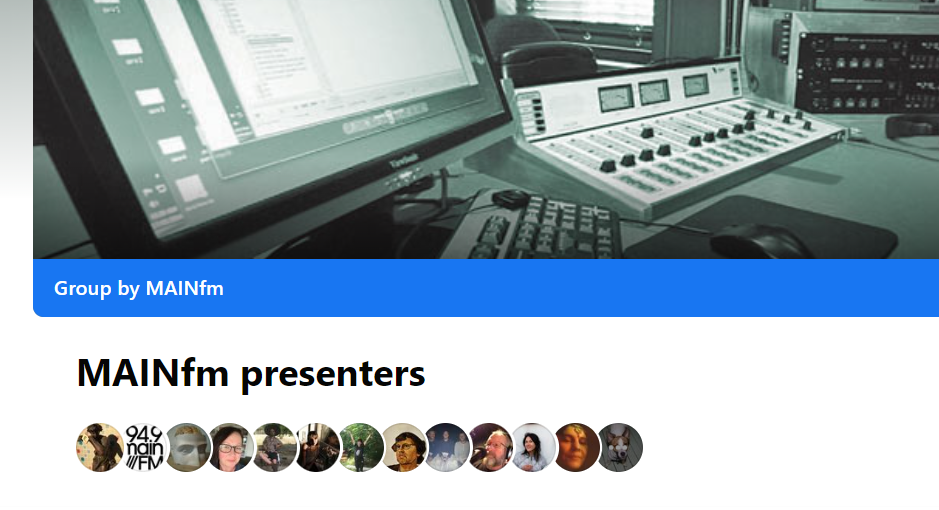
There is a closed group on Facebook that MainFM presenters use from time to time. Follow the link and request to join if you’re interested.